
Digital Passports Are Here—And Yes, Travel Just Got Easier
Picture this… you’re walking through the airport, coffee in one hand, carry-on gliding beside you—and instead of digging through your bag for your passport, you tap your phone and keep it moving.
That’s not “someday” energy—that’s happening now.
Whether you’re team iPhone or Android, digital passports are officially entering the travel experience—and if you love a smoother, more elevated way to move, this is something you’ll want to know about.
RELATED: EU Entry/Exit System (EES): It’s Officially Live — Here’s What It Means for Your Europe Trip
A Smoother Way to Move Through the Airport
Let’s be honest—airport days can feel like a lot.
Between TSA lines, boarding passes, IDs, and keeping everything organized, it can start to feel like work before your trip even begins.
This digital passport feature is designed to simplify that.
Instead of juggling documents, your passport info can live securely on your phone—ready when you are.
Less searching.
Less stress.
More flow.
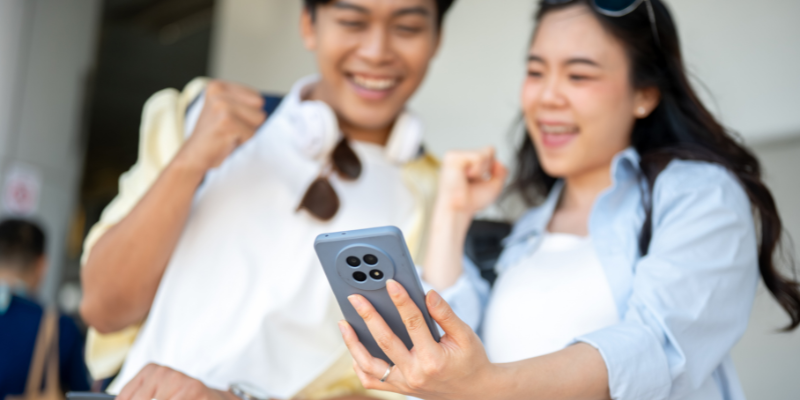
iPhone vs. Android—What’s Available
Here’s how this works depending on your device:
iPhone (Apple Wallet)
Apple is rolling out digital ID features that allow you to add your passport details
Designed to work seamlessly within Apple Wallet
Expanding across more airports over time
Android (Google Wallet)
Google Wallet already allows you to store passport information as a digital ID
Available on many Android devices (Pixel, Samsung, and more)
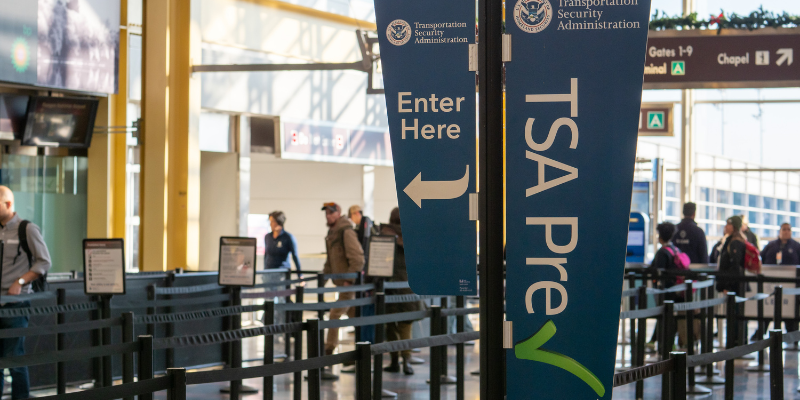
Works at select TSA checkpoints
Different systems—but same goal: making your airport experience easier.
What This Actually Means for You
Here’s how it works in real life:
You scan your passport into your phone
Your device verifies your identity securely
Your passport details are encrypted and stored on your device
At select TSA checkpoints, you can use your phone instead of pulling out your passport
If you travel often—or just like things to feel seamless—this is one of those upgrades you’ll actually notice.
What to Keep in Mind
This is where we keep it real with you:
You still need your physical passport for international travel
You’ll still use the booklet at customs and border control
Not every airport supports this yet (it’s still rolling out)
So think of this as a convenience upgrade—not a replacement.
Why This Matters for the Way You Travel
Travel should feel like a release—not another thing to manage.
Anything that removes friction, saves time, and helps you move with confidence? That’s a win.
This feature helps you:
Stay organized without overthinking it
Avoid those “wait… where is my passport?” moments
Move through the airport with ease and intention
And that’s exactly the kind of experience we want for you.
How to Set It Up
On iPhone:
Open Apple Wallet
Tap “Add to Wallet”
Follow the prompts to add your ID/passport
Scan your passport and verify
On Android:
Open Google Wallet
Tap “Add to Wallet”
Select ID option
Scan your passport and complete verification
Takes just a few minutes—and you’re set.
The Bottom Line
Travel is evolving—and the best trips aren’t just about where you go… they’re about how you move along the way.
Less stress.
More ease.
More time actually enjoying the experience.
And if you’re ready for a trip that feels just as seamless from planning to touchdown…
You already know where to find us.
